YEEUU YEEVV S1 Smart Lock Battery Replacement
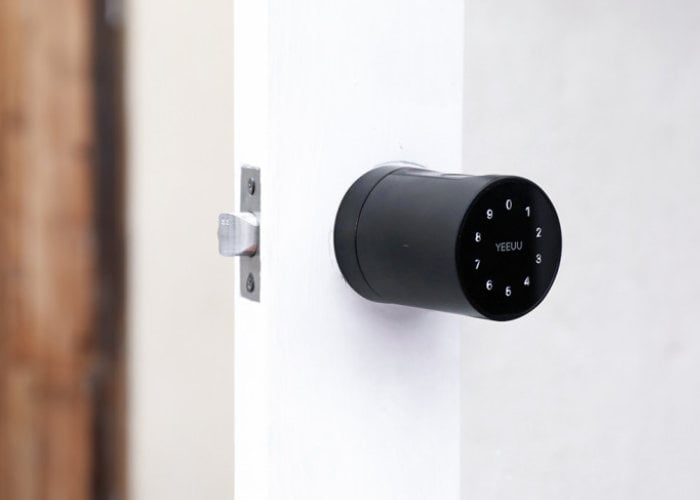
Yeeuu Yeevv S1 Smart Lock Battery Replacement
Step 1: Locate the interior side screw holding the battery cover on.
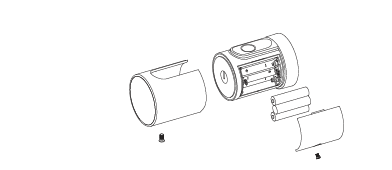
Step 2: Remove the screw using a Philips head screw driver.
Step 3: Replace batteries with fresh ones. (3x AAA Batteries)
Step 4: Tighten battery cover down with Philips head screw driver.
You’re done!
If you are looking to program/setup your lock, visit here.
If you are looking to install your lock, visit here.
The post YEEUU YEEVV S1 Smart Lock Battery Replacement appeared first on Captain Lock Pick.
source https://captainlockpick.com/instructions/yeeuu/yeeuu-yeevv-s1-smart-lock-battery-replacement/


Comments
Post a Comment